
A modern descriptor-based Financial Freedom Bitcoin Wallet aimed at restoring sovereignty to Global Bitcoiners.
What are descriptors? Read more.

- Descriptor-based HD wallet (
wpkh(KEY),pkh(KEY),sh(wpkh(KEY)),tr(KEY)) - Watch Only support
- Partially Signed Bitcoin Transactions (PSBTs) and Fee Bumping (RBF)
- Lightning Network support (BOLT11 & LNURL)
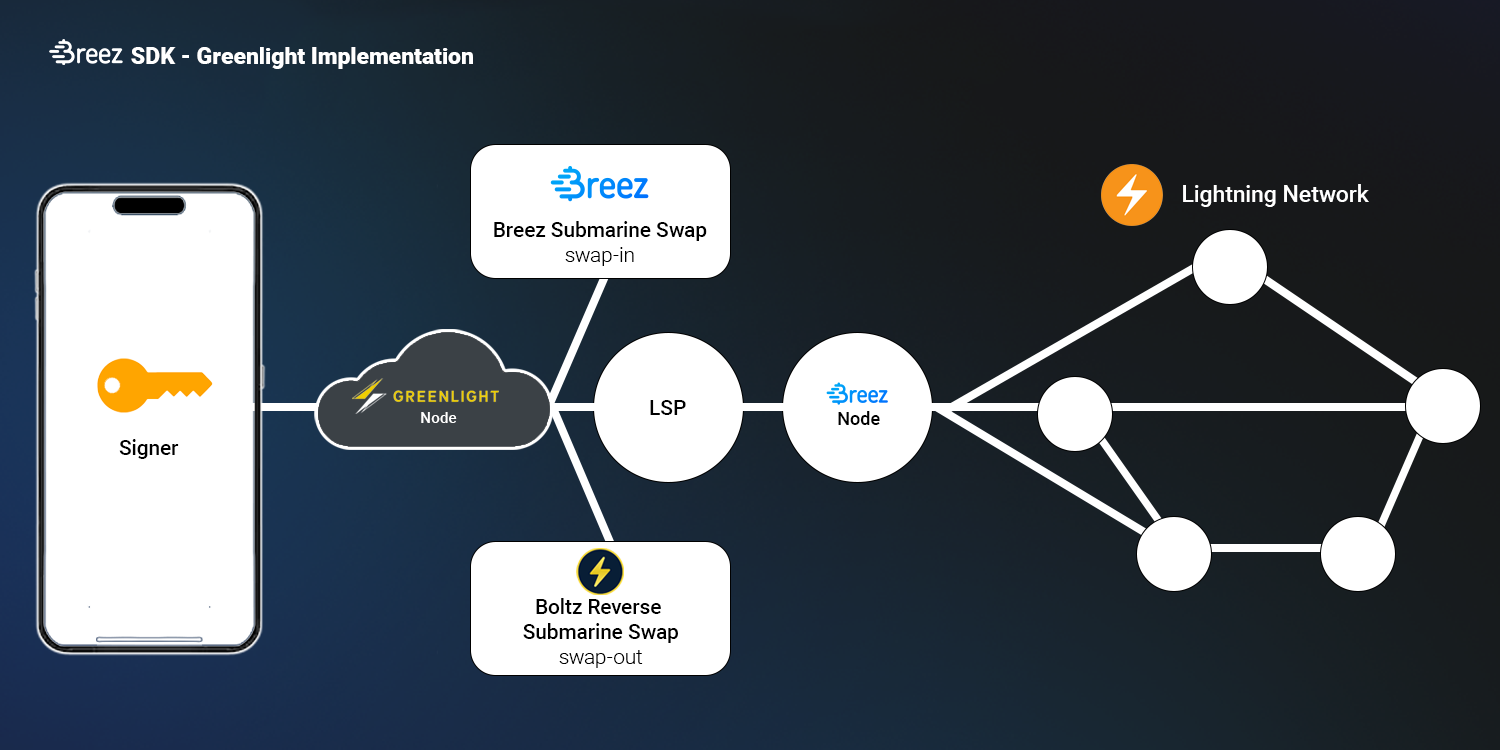
- Internal Wallet Lightning Swaps (Onchain
↔️ Lightning) (Broken, will be fixed in v0.6 release) - Multi-lingual (English & Arabic)


- Android APK coming soon.
- IOS Beta Test flight coming soon.
- BIP21 URI Scheme
- BIP32 Hierarchical Deterministic Wallets
- BIP39 Mnemonic code for generating deterministic keys
- BIP44 Multi-Account Hierarchy for Deterministic Wallets
- BIP49 Derivation scheme for P2WPKH-nested-in-P2SH based accounts
- BIP70 Payment Protocol
- BIP84 Derivation scheme for P2WPKH based accounts
- BIP86 Derivation scheme for PTR based accounts
- BIP173 Base32 address format for native v0-16 witness outputs
- BIP174 Partially Signed Bitcoin Transactions
For details on contributing to the app translation, please see the translation guide
Note: Please ensure the version of Node and NPM you are using are >= the minimum LTS Node and NPM versions specified in the package.json file. The recommended Node and NPM versions are LTS versions (i.e. even-numbered releases). Run
node --version && npm --versionto get the versions of Node and NPM on your system if unsure.
Clone the repo locally and install the required npm dependencies:
$ git clone https://github.com/Zero-1729/volt
cd volt
yarn install
To run the wallet locally on, and build for, Android or IOS you'll need Android Studio and Xcode installed, respectively.
Create a copy of the env.example
cp env.example .envThis command creates a .env file in the project root volt/. Then fill it with the appropriate info.
To run the wallet locally on your system, run the following in the project root (volt/):
This will start the Metro Bundler, which is the tool responsible for bundling the app's JavaScript code and assets into a single file that can be run on the device.
$ yarn run startDue to the way Tailwind works, you'll need to run the following command to build the Tailwind CSS file:
This builds the Tailwind styles in watch mode. You'll need to run this command in a separate terminal window to keep the Tailwind styles updated before running the app.
$ yarn run dev:tailwind# Using npm
npm run android
# OR using Yarn
yarn android- Download and run the latest (stable) version of Android Studio.
- Launch Android Studio, and Open the project's android folder (
volt/android). - Open the
build.gradlefile in the current folder (volt/android), it'll take some time for Android Studio to set up. - Navigate to
AVD Managerunder theToolssections of the menu, and click "Create Virtual Device..." to create a virtual device. - Launch the newly created virtual device by clicking the
Playin theActionssection of the menu.
For iOS, remember to install CocoaPods dependencies (this only needs to be run on first clone or after updating native deps).
The first time you create a new project, run the Ruby bundler to install CocoaPods itself:
bundle installThen, and every time you update your native dependencies, run:
bundle exec pod installFor more information, please visit CocoaPods Getting Started guide.
# Using npm
npm run ios

# OR using Yarn
yarn ios
If everything is set up correctly, you should see your new app running in the Android Emulator, iOS Simulator, or your connected device.
This is one way to run your app — you can also build it directly from Android Studio or Xcode.
Email Zero-1729@protonmail.com with the title "volt: bug/vulnerability report" to disclose any critical bugs or vulnerabilities.
MIT © Zero-1729